Android widget
The number, on your home screen, without opening anything.
Add the widget and the days until you retire sit next to your other icons, in your theme's colours, updated every day. It is free, because the day count is free.
Android 8 and up. Long-press the home screen, choose Widgets, find Retirement Countdown+.
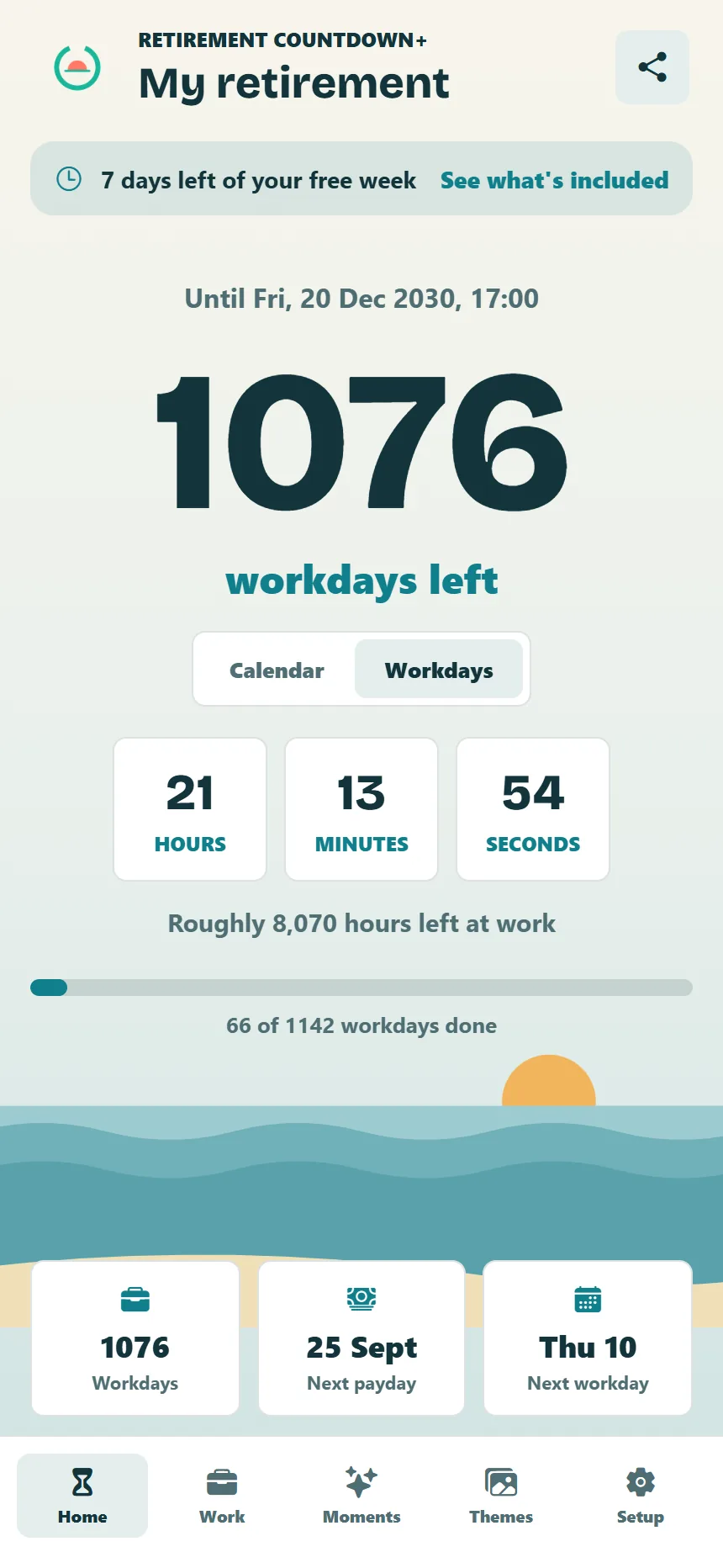
What the widget shows
The days until your date and the name you gave your countdown, on a background that matches the theme you chose in the app. It refreshes itself each day and whenever you change your date or theme in the app.
Adding it
Long-press an empty part of your home screen, tap Widgets, scroll to Retirement Countdown+ and drag it where you want it. Resize it like any other widget.
iPhone
What it does not show
Workdays and hours stay in the app. The widget is the free day count, so it works for everyone, paid or not.
Questions
The widget.
Is there a retirement countdown widget for iPhone?
Not yet. The widget is Android only at the moment. On iPhone, open the app to see your days and workdays.
Is the widget free?
Yes. The day count is free forever and the widget shows the day count, so it stays on your home screen whether or not you buy the full app.
The widget is not updating.
Open the app once; it refreshes the widget on every launch. If your phone has aggressive battery settings, allow the app to run in the background. There is a support page if that does not fix it.